
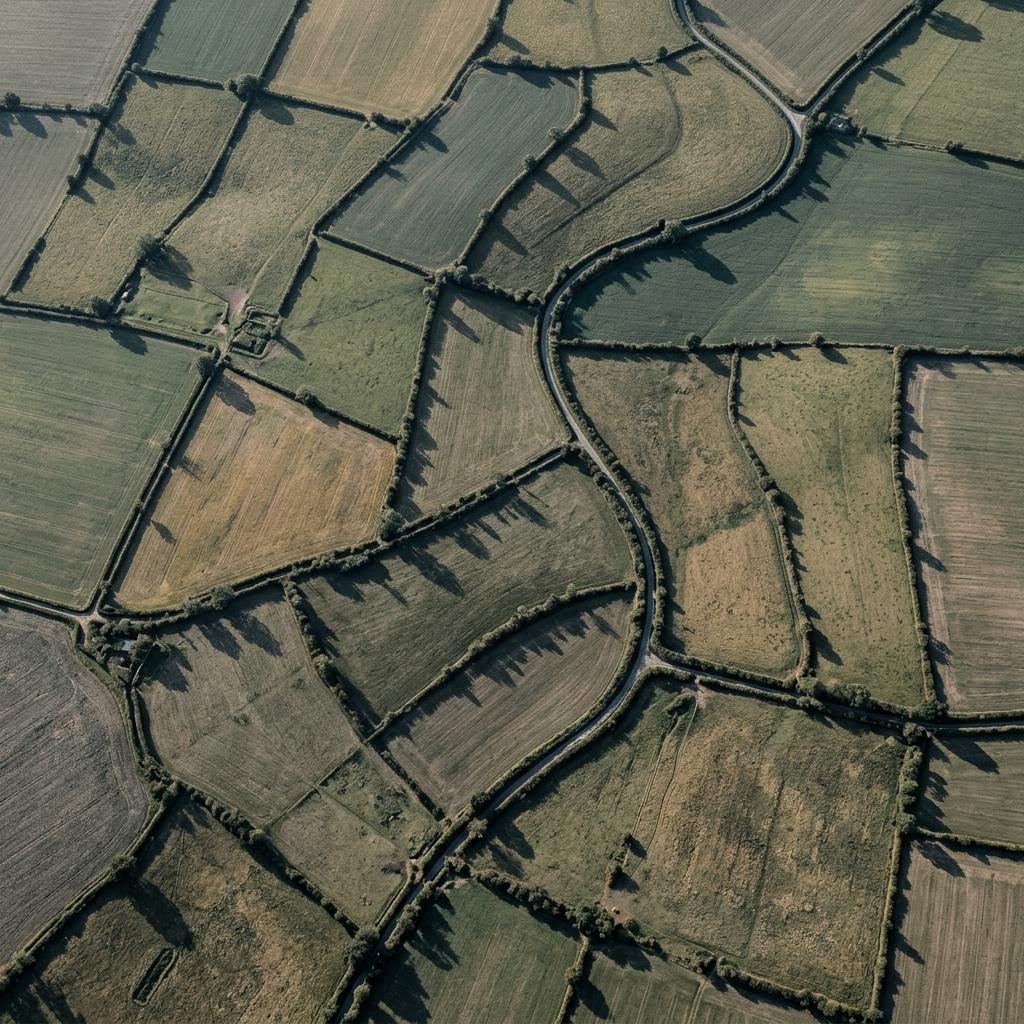
Illustrative generated image. Estuary channels: many routes, one current.
Software studio · London E16
See the whole terrain before you build on it.
Aquila Intelligence designs, builds, publishes and supports mobile apps, websites and interfaces. We start by looking from altitude — what your organisation is actually trying to change — and only then descend to screens and code.
01 · How we look
Three heights of observation
- High
Purpose
What is changing for whom, and how would you notice if it worked? We write this down in ordinary sentences before anyone designs a button. It is the reference every later decision is checked against.
- Middle
Routes
The journeys people take: signing up, booking, paying, finding an answer, returning next week. We map the main routes and the awkward side-roads, because most problems live in the side-roads.
- Ground
Detail
Labels, error messages, loading states, what happens on a slow train with one bar of signal. Ground level is where a product earns trust, and it is where we spend more time than people expect.
02 · What we make
The survey legend
Every engagement is a mix of the same handful of disciplines. Read the legend, then follow the link for the one you need.
- Mobile apps
- iOS and Android apps, either native or cross-platform where that genuinely saves effort. Offline behaviour, notifications and accessibility considered from the first sketch. Mobile detail
- Websites & web apps
- Fast public sites, account areas, booking flows, internal tools and dashboards. Built so a non-developer on your side can still publish an update. Web detail
- Interface design
- Research conversations, journey maps, wireframes, prototypes and a design system your developers can follow without guessing. UI / UX
- Publishing
- App Store and Google Play submissions, store listings, release notes, website content migration and the paperwork stores ask for. Publishing
- Support
- Fixes, updates, operating-system changes and small improvements after launch, handled in UK working hours. Support
03 · Tool one · illustrative
Altitude check
Tell us roughly where your project is, and the check suggests which height we would start looking from, and the first three questions we would ask. It is a thinking aid, not a quote.
04 · Mobile and web
Boundaries drawn where people actually walk
Fields look tidy from above, but the paths cut across corners. Software is the same: the official process and the real one rarely match. Before we build an app or web platform, we watch for the shortcut people already take, and design the product around it rather than against it.
For mobile, that often means fewer screens and stronger defaults. For the web, it usually means pages that load quickly on an old phone, forms that keep what you typed when something fails, and an editing experience that does not need a developer for every paragraph.
- Native and cross-platform mobile apps
- Marketing sites, portals and account areas
- Internal tools that replace spreadsheets passed by email
- Integrations with services you already pay for
05 · Interface design
An interface is a map. Good maps leave things out.
Ordnance Survey maps are wonderful because of what they omit at each scale. Interfaces need the same discipline. Our UI/UX work is mostly deciding what a person does not need to see yet, and making the next step obvious.
We do short research conversations, map journeys, prototype in a clickable form, test with a handful of real users, and hand developers a component library with written rules: spacing, states, error wording, keyboard order and contrast.
Accessibility is part of the design, not an audit at the end. We aim for WCAG 2.2 AA behaviour in what we build and we tell you plainly where a third-party component falls short.
06 · Tool two · illustrative
Signal or assumption?
List the features you have in mind, one per line. Mark which ones you have evidence for. The triage sorts them into what to build first, what to test cheaply, and what to park.
07 · Publishing
Landing the release, not only building it
Store readiness
Screenshots at every required size, descriptions that say what the app does, privacy declarations that match what the code actually does, and test accounts for reviewers.
Review and rejection
Apple and Google sometimes reject builds for reasons that take careful reading. We handle the correspondence, fix what is genuinely wrong and explain what is not.
Web content
Migrating pages from an old site, setting up redirects so links keep working, and preparing a publishing routine your team can keep up after we step back.
08 · Delivery standards
The flight log
Every project keeps a written log you can read at any time. These are the entries you will always find in it.
A written statement of purpose, scope and what is explicitly out of scope, agreed in plain English.
A short note: what was finished, what is next, what is blocked and what decision we need from you.
A working version you can open on your own device, not screenshots of one.
Testing on real phones and browsers, an accessibility pass, and a rollback plan written down.
Code in a repository you own, credentials transferred, and documentation a new developer could follow.
09 · Tool three
Working-hours window
Support requests are read Monday to Friday, 09:00–18:00 London time. Enter when you might send something and see whether that falls inside working hours, or when the next working window opens. Bank holidays are not included, so treat it as a guide.
10 · Support
After launch, someone is still looking
Operating systems update every year, browsers change, third-party services retire old versions. A live product drifts unless someone watches. Our support covers fixes, compatibility updates, dependency upgrades and small improvements, agreed in advance as a monthly allowance or handled request by request.
We do not offer round-the-clock cover and will not pretend to. Requests arrive by email or through the support form, are acknowledged in working hours, and are prioritised by how many people are affected.
Support page and request form11 · Field guide
Things worth reading before you commission anything
Short answers
Do you work with organisations outside London?
Yes. Most work happens remotely across the UK, with calls during working hours. Our registered address is in London E16.
Can you take over a product someone else built?
Usually. We begin with a short review of the code, hosting and store accounts and tell you honestly what we find before agreeing any ongoing work.
Do you give financial or legal advice?
No. We build software. Where a product touches regulated areas we work alongside your own advisers.
How do we start?
Send a few paragraphs through the contact page. We reply in working hours with questions, not a sales deck.
Ready to describe the terrain?
Start a conversation